
Download Microsoft Office 2021 – Powerful Office Suite for Windows, Mac, and Mobile
Overview
Microsoft Office 2021 is the latest perpetual‑license version of the world‑renowned productivity suite. It bundles the classic applications—Word, Excel, PowerPoint, Outlook, and more—into a single, one‑time‑purchase download that works seamlessly on both Windows and macOS. The suite is designed for professionals, students, and small‑to‑medium businesses that need a reliable, offline‑capable environment for document creation, data analysis, presentations, and email management. By delivering familiar user interfaces alongside a handful of new features such as Excel’s XMATCH function, PowerPoint’s Ink Replay, and Word’s Read Aloud, Office 2021 bridges the gap between legacy workflows and modern expectations without requiring a continuous subscription.
The software is optimized for the latest operating systems, including Windows 10/11 and macOS Monterey, Ventura, and Sonoma. Its performance is consistent across devices, and the one‑time purchase model eliminates recurring fees, making budgeting straightforward for organizations that prefer capital‑expense accounting. With built‑in collaboration tools like real‑time co‑authoring in Word and shared commenting in PowerPoint, teams can stay productive even when they are not connected to the cloud. Whether you are drafting a research paper, building a financial model, designing a sales deck, or managing calendar appointments, Microsoft Office 2021 provides the core functionality you have come to expect from the industry standard.
Key Features and Enhancements
- Excel XMATCH & Dynamic Arrays: Faster, more flexible lookups and calculations for large data sets.
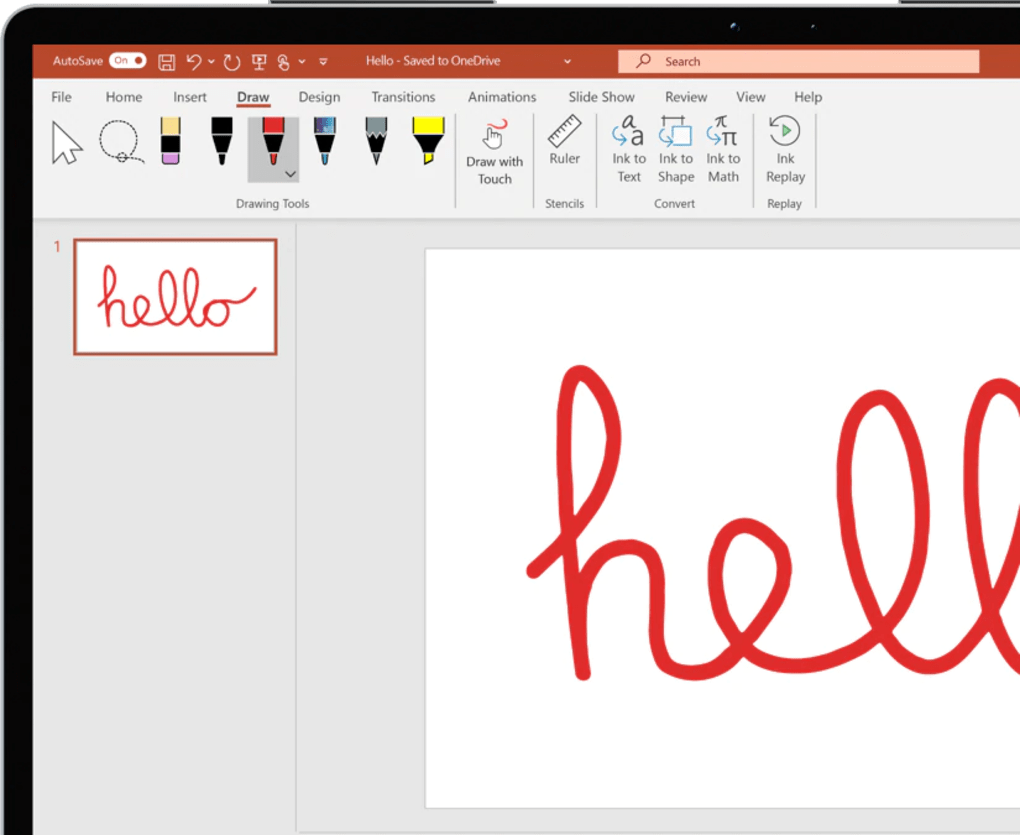
- PowerPoint Ink Replay: Animate handwritten notes and drawings for more engaging presentations.
- Word Read Aloud: Listen to your documents to catch errors and reduce eye strain.
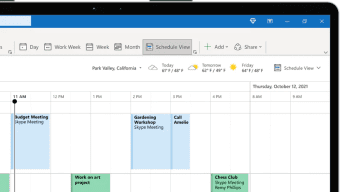
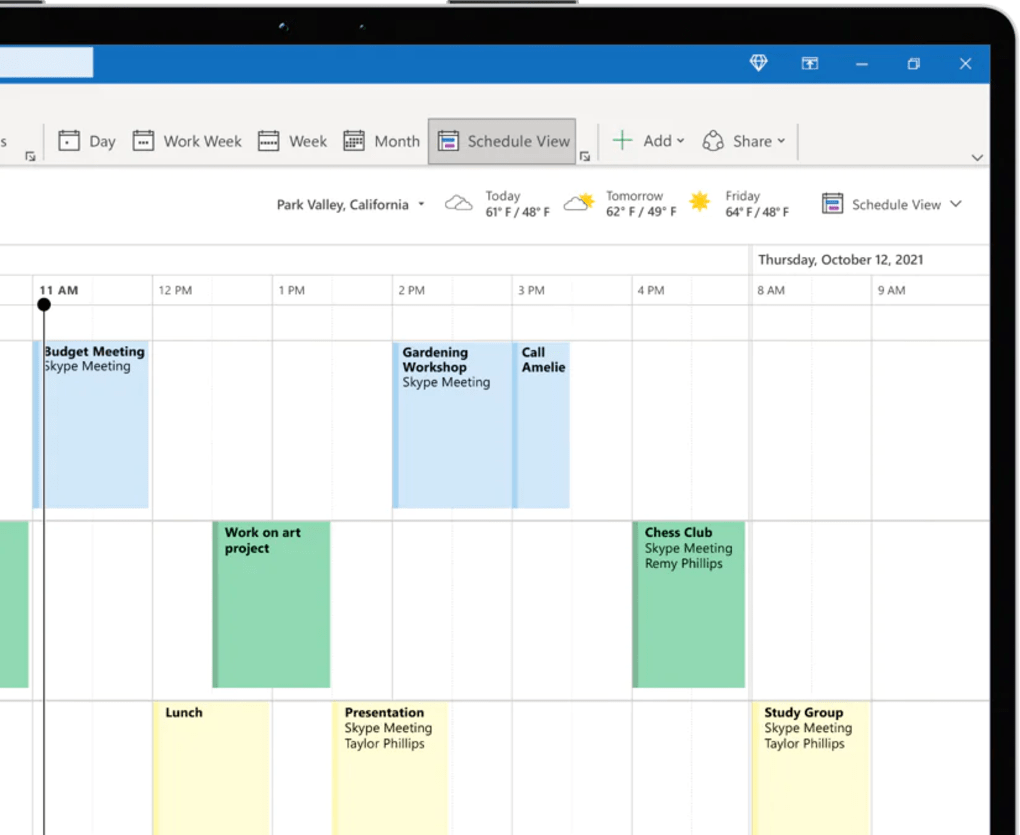
- Outlook Calendar Integration: Streamlined meeting scheduling and shared calendars across platforms.
- One‑Time Purchase License: No recurring subscription; perpetual rights to use the suite offline.
- Cross‑Platform Compatibility: Native installations for Windows 10/11 and macOS Monterey‑Ventura‑Sonoma.
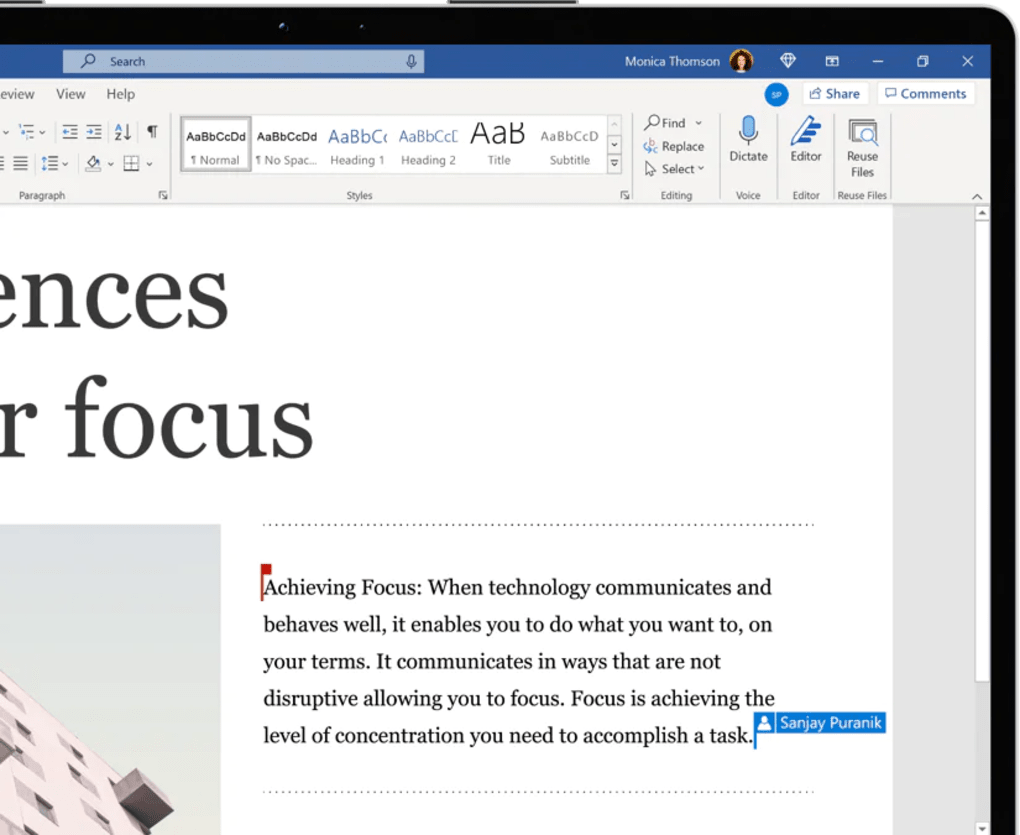
- Co‑authoring & Real‑Time Comments: Simultaneous editing in Word, Excel, and PowerPoint with live presence indicators.
- Extensive Template Library: Hundreds of ready‑made templates for reports, invoices, resumes, and presentations.
- Improved Accessibility: Better keyboard navigation, high‑contrast themes, and screen‑reader support.
Beyond the listed items, Office 2021 retains the robust macro and VBA support that power users rely on for automation. The suite also integrates with Microsoft Teams for chat‑based collaboration, and the new “Insert Data from Picture” feature in Excel lets users import tables directly from screenshots. Security has been hardened with built‑in ransomware protection and regular cumulative updates that are delivered through Windows Update or the Microsoft AutoUpdate service on macOS. These enhancements collectively ensure that users can handle everything from simple note‑taking to complex, data‑driven projects without leaving the Office environment.
Installation, Usage, and Compatibility
Installation Process
Downloading Microsoft Office 2021 is straightforward. After purchasing the license on the official Microsoft Store or an authorized reseller, you receive a unique product key and a download link. Click the link to download the installer—Setup.exe for Windows or Microsoft_Office_2021_Installer.pkg for macOS.
Run the installer and follow the on‑screen prompts: accept the license agreement, choose the installation path (default is recommended), and let the wizard copy the necessary files. The process typically takes 5‑10 minutes on a broadband connection. Once installed, you’ll be prompted to sign in with a Microsoft account to activate the product key and unlock all features.
Operating System Requirements
Microsoft Office 2021 supports the following platforms:
- Windows 10 (64‑bit) or later, Windows 11 (64‑bit)
- macOS Monterey (12), Ventura (13), or Sonoma (14) – both Intel and Apple Silicon processors
Minimum hardware specifications include a 1.6 GHz or faster processor, 4 GB RAM (8 GB recommended), and 10 GB of free disk space. For optimal performance, especially when handling large Excel workbooks or high‑resolution PowerPoint media, a solid‑state drive (SSD) and at least 8 GB of RAM are advised.
Getting Started with Everyday Tasks
After activation, launch any Office app from the Start menu (Windows) or Applications folder (macOS). The familiar ribbon interface appears at the top, with contextual tabs that adapt to the task at hand. For first‑time users, the “Tell Me” search bar (top‑right) offers quick access to commands, help articles, and templates.
Collaboration begins by opening a document stored on OneDrive or SharePoint; you’ll see a “Share” button that generates a link with view or edit permissions. All changes sync automatically, and you can track revision history directly within the file. The suite also respects system-wide dark mode settings, providing a comfortable visual experience in low‑light environments.
Pros, Cons, and Frequently Asked Questions
Pros
- One‑time purchase eliminates ongoing subscription fees.
- Full offline functionality—no internet required after activation.
- Robust set of classic features with modern enhancements (XMATCH, Ink Replay).
- Cross‑platform support for Windows and macOS, including Apple Silicon.
- Real‑time co‑authoring and commenting improve team collaboration.
- Extensive template library speeds up document creation.
Cons
- No built‑in cloud storage; relies on OneDrive/SharePoint for collaboration.
- Mac version may have slightly slower launch times on older hardware.
- Feature set lags behind Microsoft 365’s continuous updates (e.g., AI‑driven Copilot).
- Requires a Windows 10/11 or macOS 12+ environment—no support for older OS versions.
- License is tied to a single user/device; additional installations need extra licenses.
FAQ
Can I install Microsoft Office 2021 on both a PC and a Mac with the same license?
No. The perpetual license is device‑specific. You need a separate license for each operating system or device you want to install the suite on.
Is Microsoft Office 2021 compatible with older versions of Windows, such as Windows 7?
Office 2021 does not support Windows 7 or Windows 8.1. It requires Windows 10 (64‑bit) or later.
Will I receive security updates after purchasing Office 2021?
Yes. Microsoft provides regular security patches and cumulative updates for the supported lifespan of the product (typically five years).
Can I use Office 2021 without an internet connection?
After initial activation, all core features work offline. You only need internet to download updates or sync files with OneDrive/SharePoint.
What is the difference between Office 2021 and Microsoft 365?
Office 2021 is a perpetual license with a one‑time payment and no ongoing updates beyond security patches. Microsoft 365 is a subscription service that includes continuous feature upgrades, cloud storage, and additional services such as Teams and AI tools.
Review Summary
Overall Rating: 4.5/5
TechDesk Analyst
Microsoft Office 2021 delivers a solid, familiar experience with enough new tools to justify an upgrade for power users. Its one‑time purchase model is ideal for organizations that want predictable budgeting, while the cross‑platform support ensures teams can collaborate regardless of their preferred hardware.
Conclusion & Call to Action
Microsoft Office 2021 remains the gold standard for desktop productivity software in 2025. Its blend of classic reliability, modern enhancements, and a straightforward licensing model makes it a compelling choice for businesses, educators, and individual professionals who need a secure, offline‑capable suite. While it lacks the continuous innovation pipeline of Microsoft 365, the suite’s robust feature set—especially the new Excel XMATCH function, PowerPoint Ink Replay, and Word Read Aloud—delivers tangible value for a single upfront cost.
If you are ready to equip your team with a dependable office suite that works on both Windows and macOS, download Microsoft Office 2021 today. Experience the familiar interface, unlock powerful new tools, and enjoy the peace of mind that comes with a perpetual license—no recurring fees, no mandatory internet connection, just pure productivity.







